
HALO360

Interactive space experiences for properties, showrooms and commercial environments.

HALO360 transforms real spaces into immersive digital experiences that can be explored, shared and presented remotely — helping clients, visitors and stakeholders understand a space before they step inside.

HALO360

A digital version of your real space.

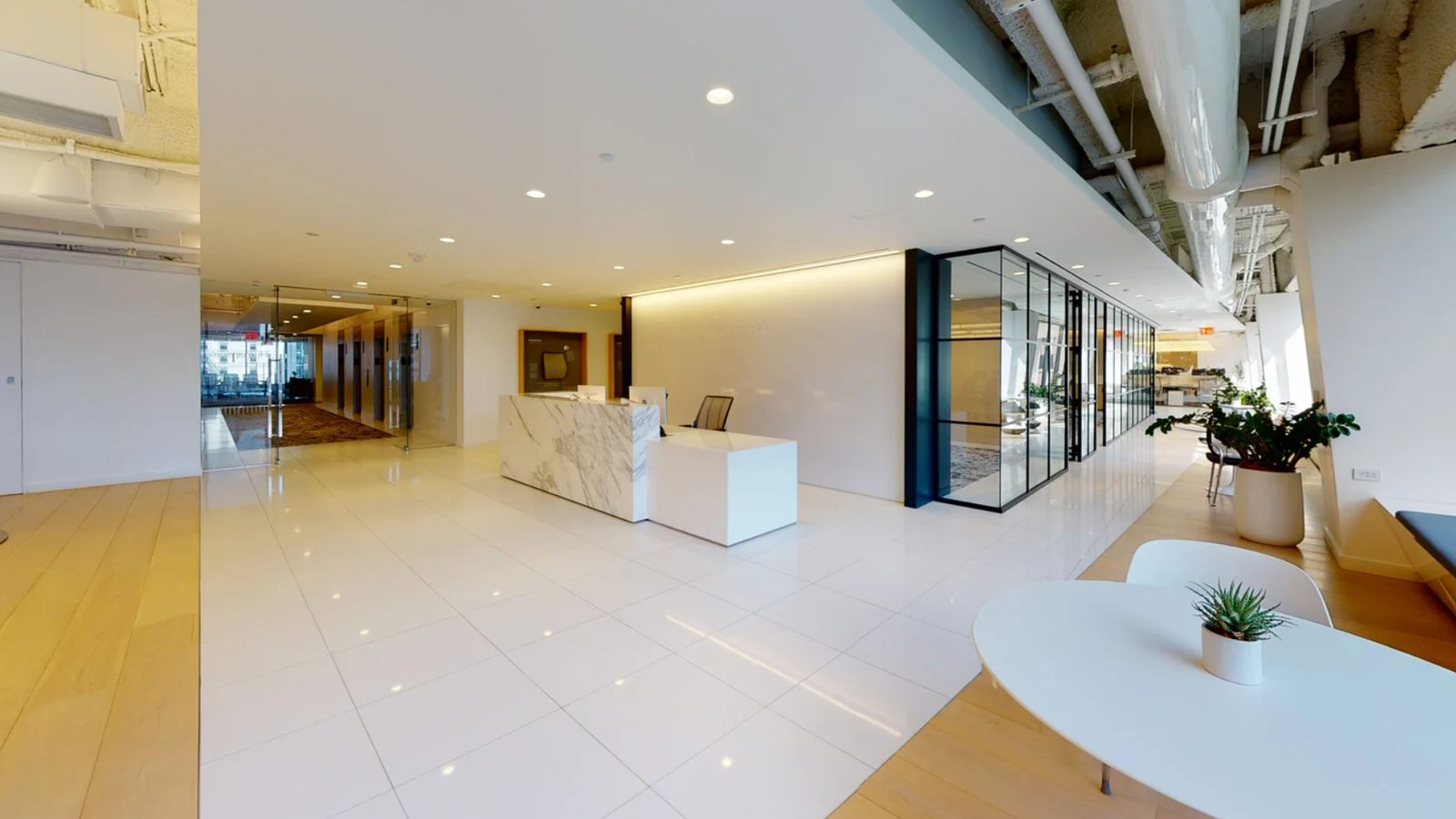
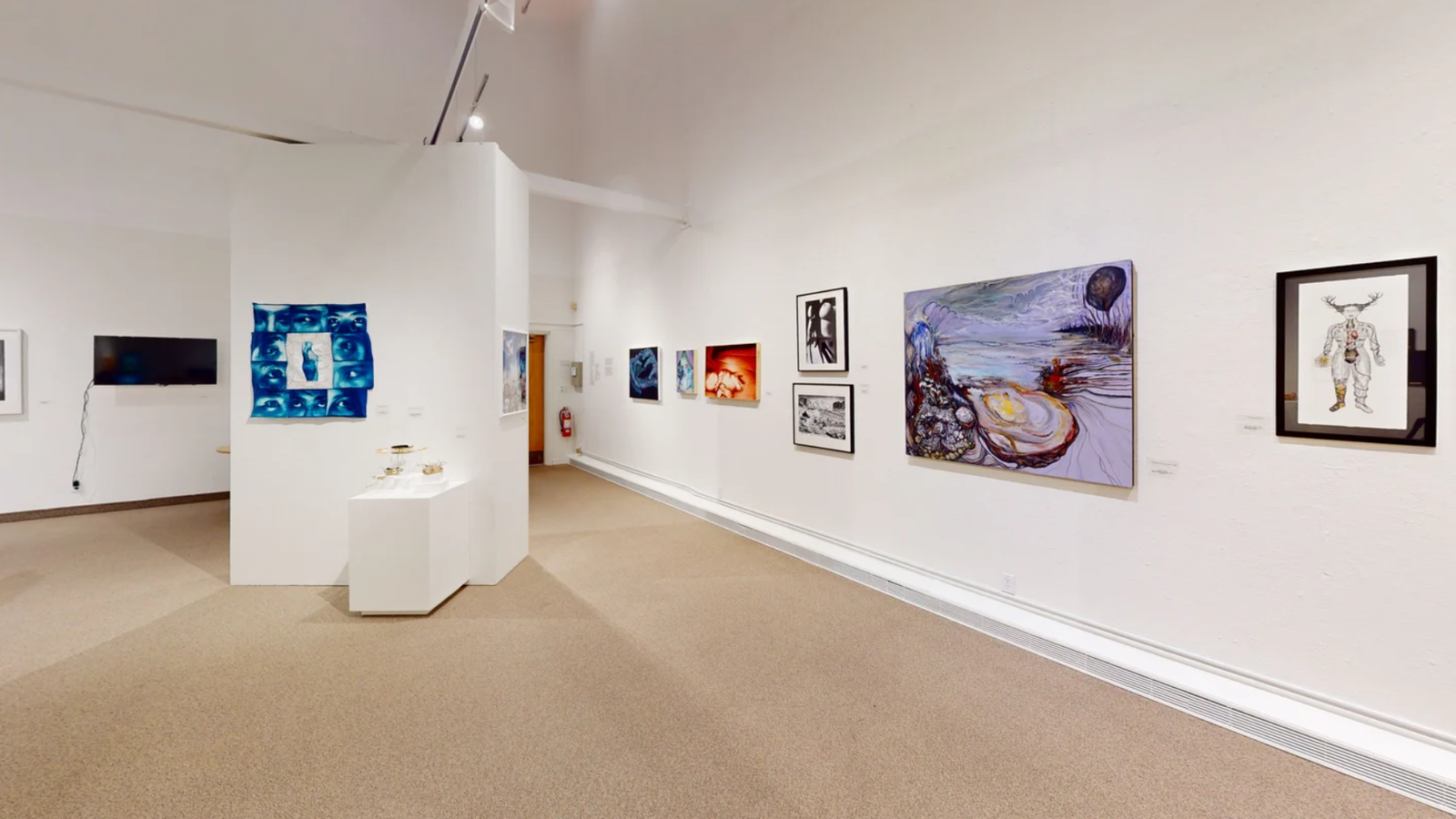
HALO360 captures physical spaces and turns them into interactive digital environments. Visitors can move through the space, view it from different angles, understand the layout and access key information through a simple shareable link. It is designed for spaces that need to be presented, viewed or experienced remotely — from galleries and showrooms to hospitality venues, offices, clinics and real estate.

HALO360 OUTPUTS

Everything needed to view, present and share a space.

From walkthrough access to spatial understanding and hosted project links, HALO360 gives businesses a complete way to present real environments online — helping visitors, clients and stakeholders explore a space before they physically arrive.

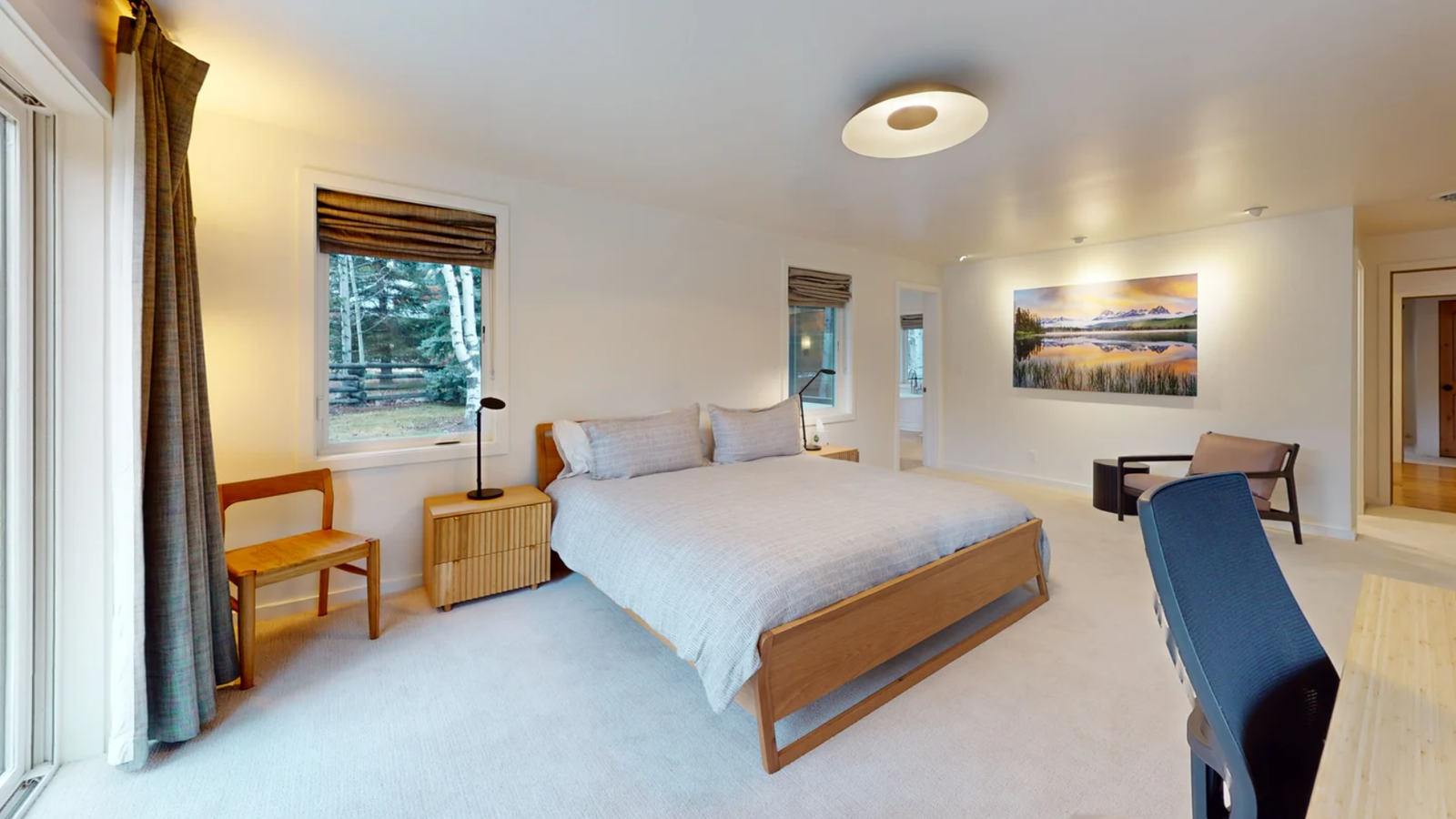
360° Walkthrough
Primary Feature

360° Walkthrough

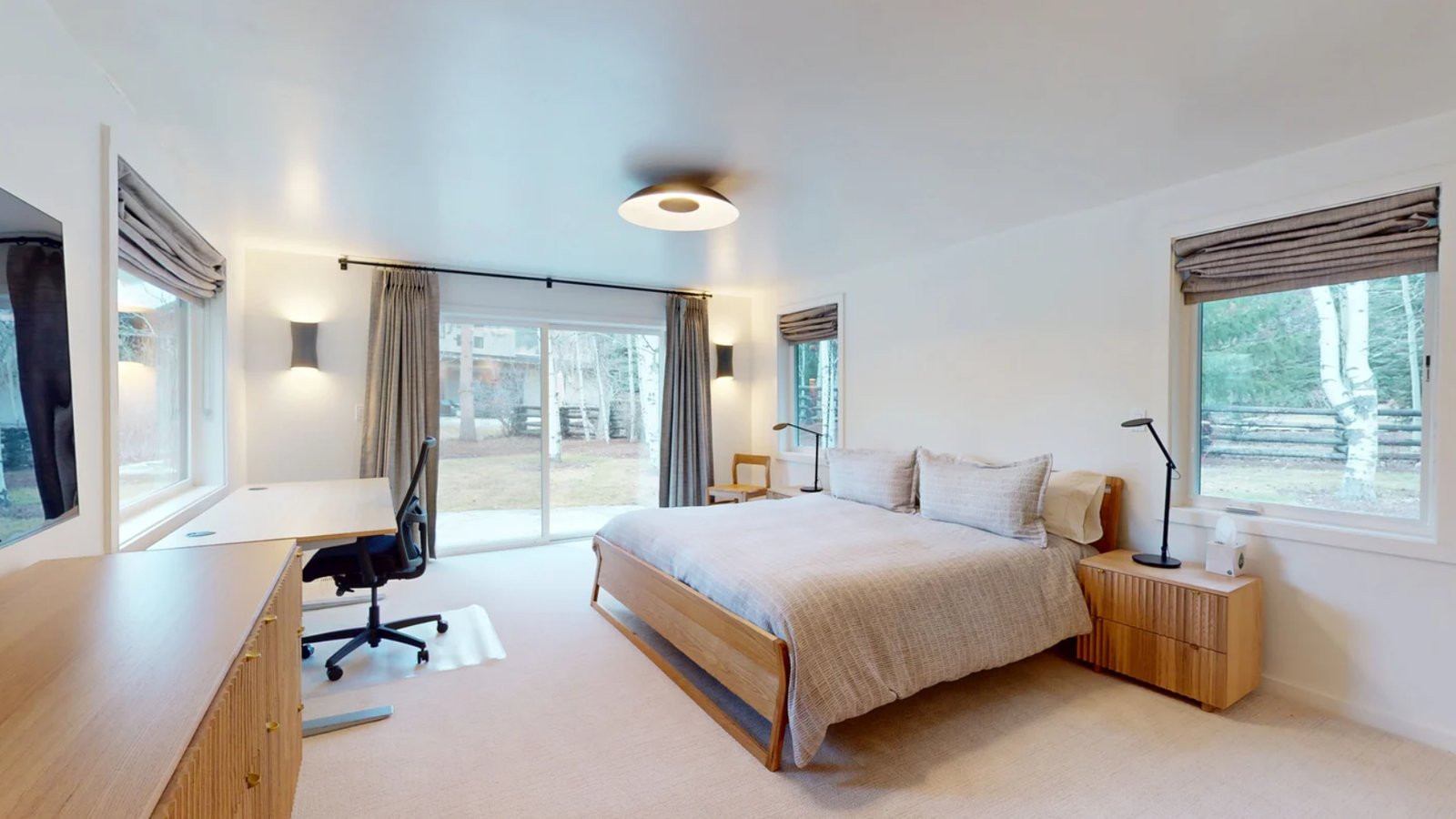
A guided interactive experience that lets visitors move through the space from key viewpoints, understand how areas connect and explore the environment remotely before visiting in person.

This is the core HALO360 viewing experience, built for websites, client previews, remote walkthroughs and space presentation.
  • Remote Viewing
  • Guided Exploration
  • Client Preview
  • Visitor Experience
Spatial Overview

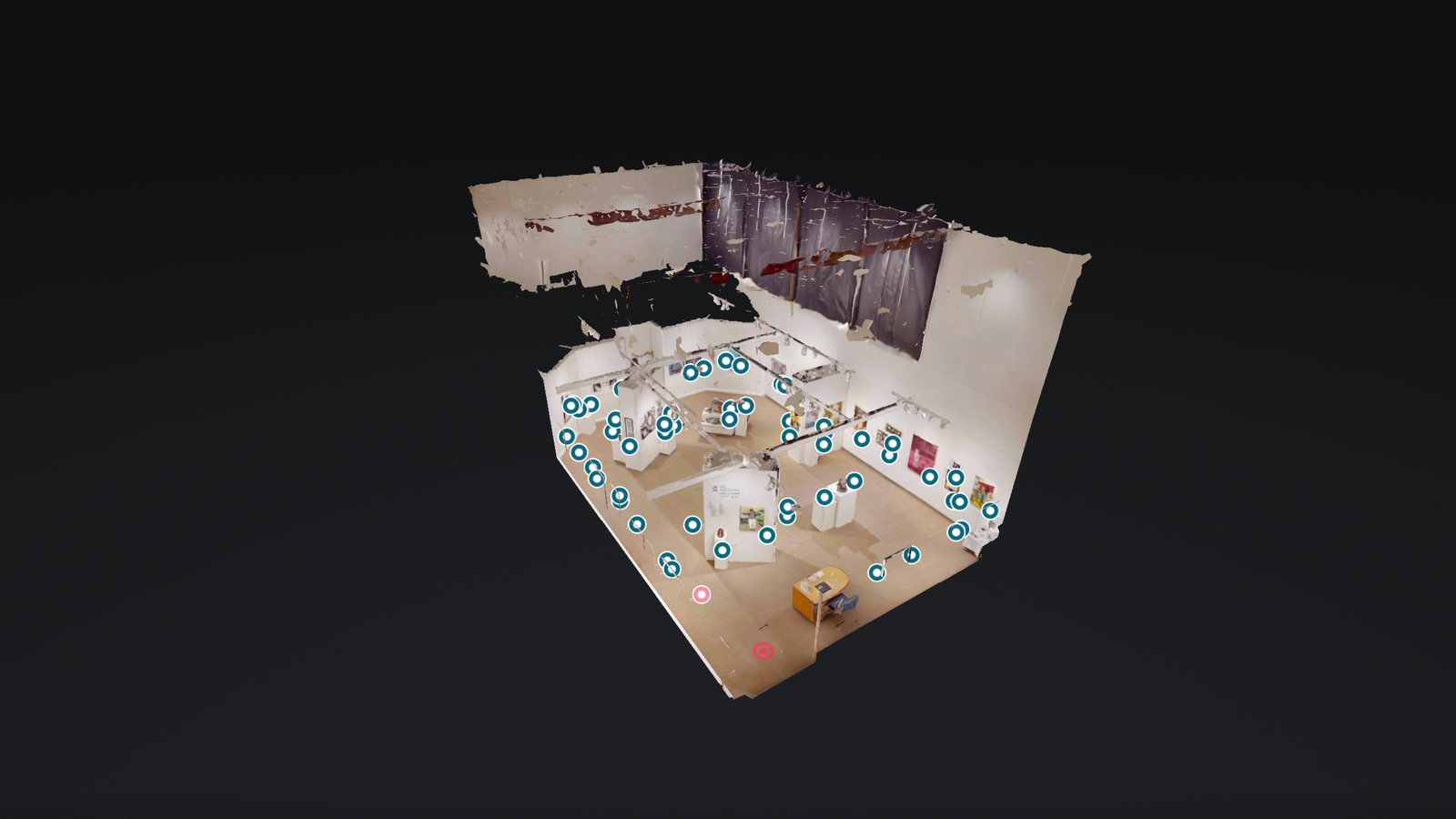
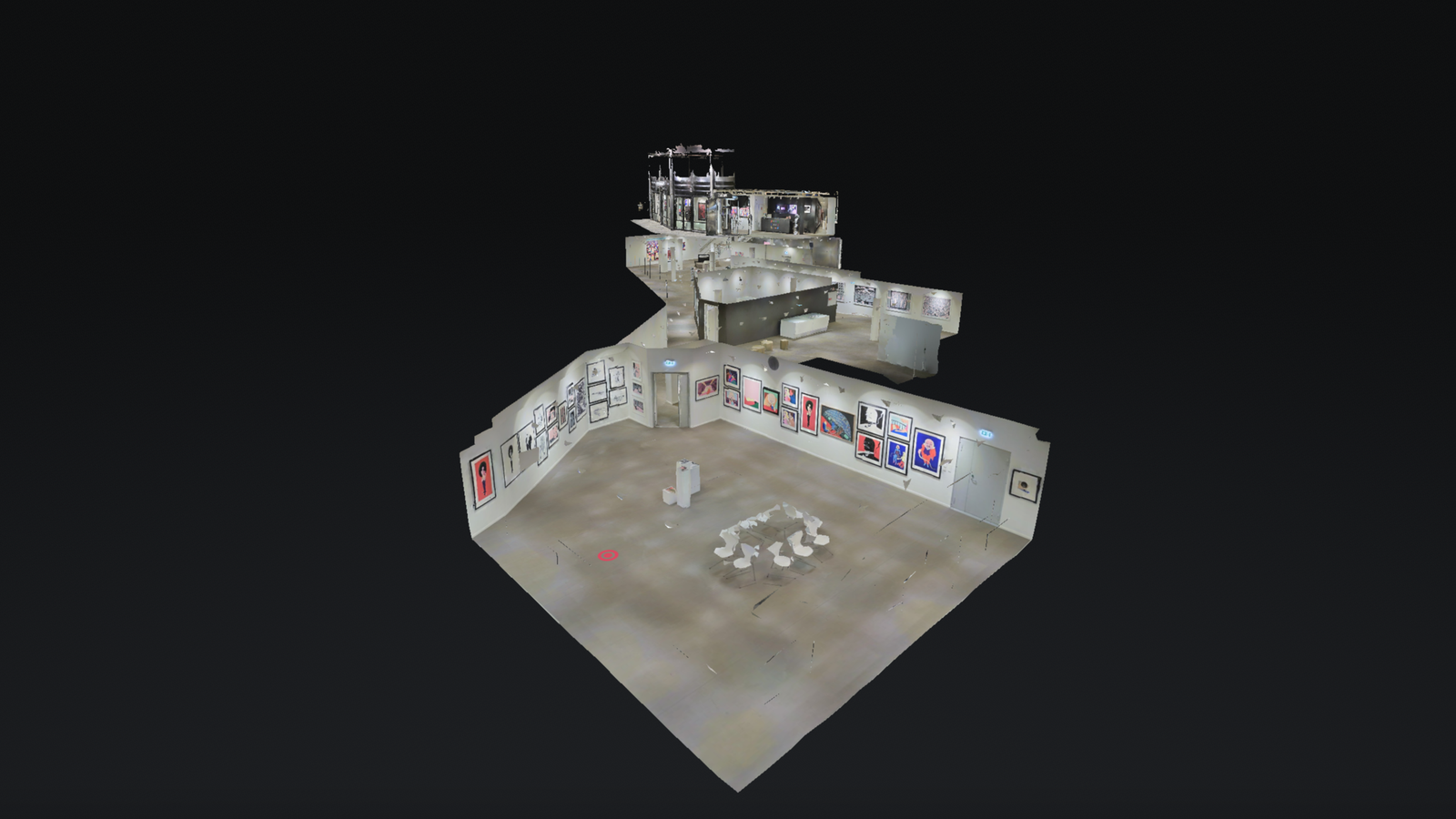
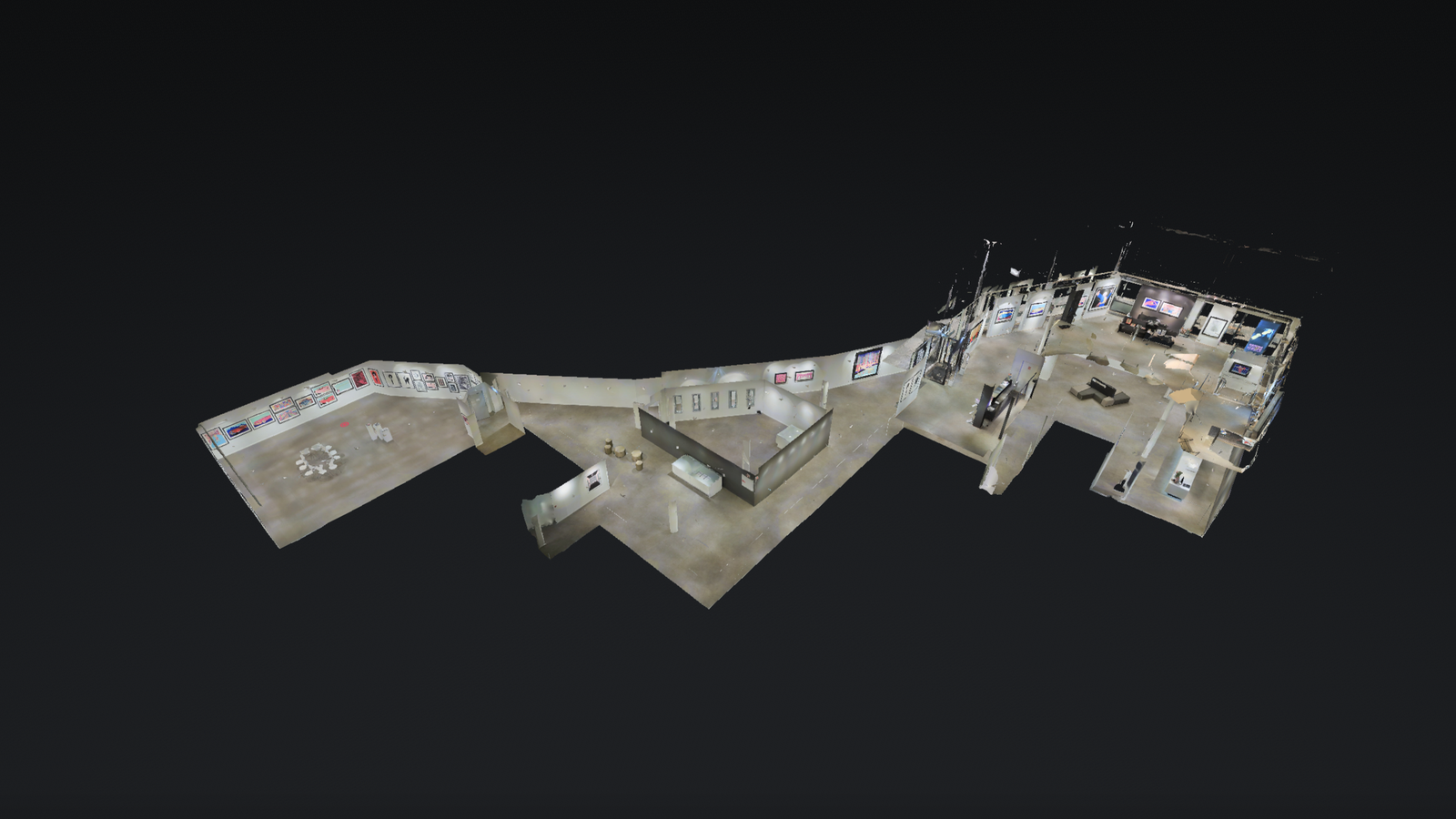
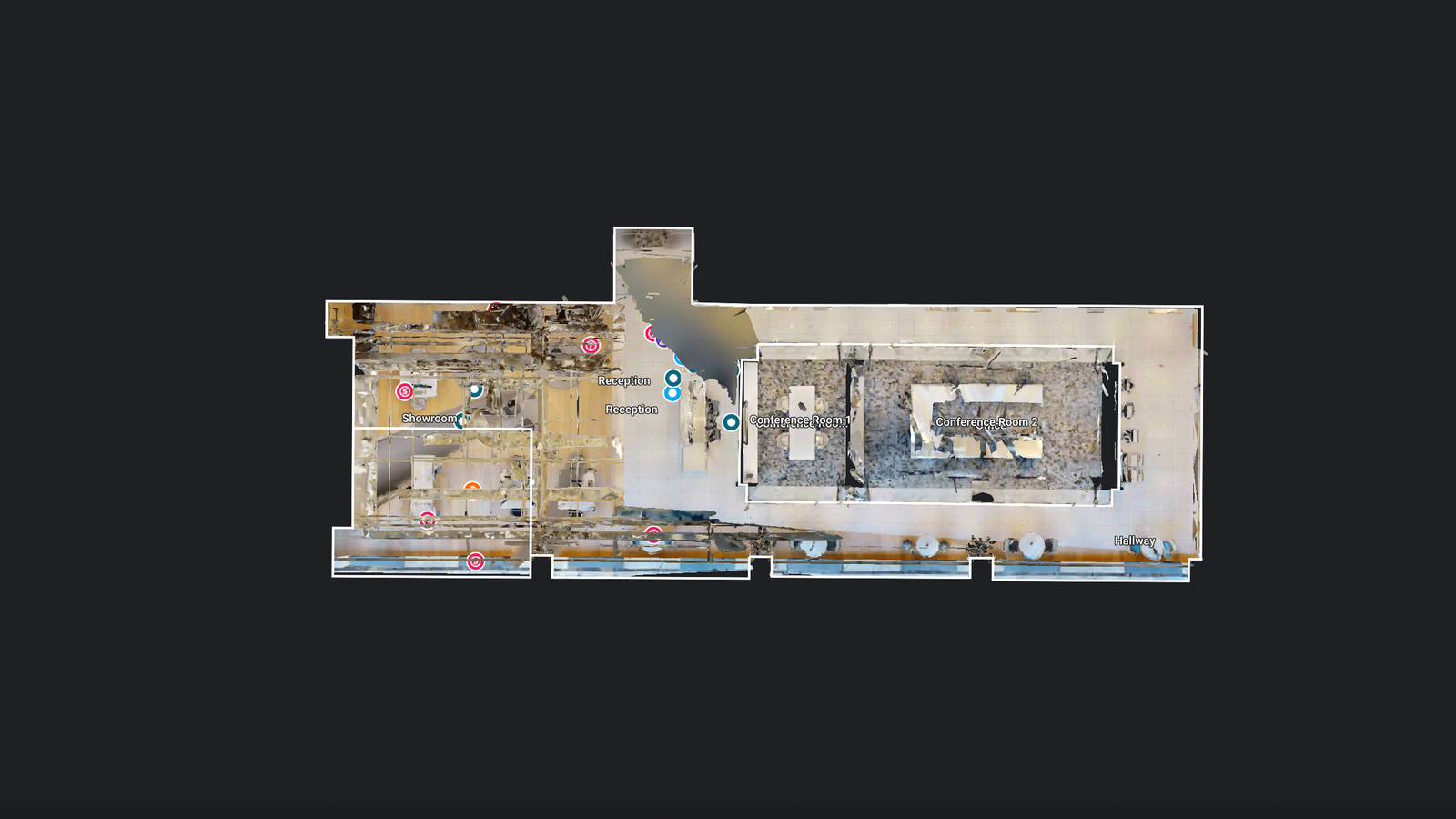
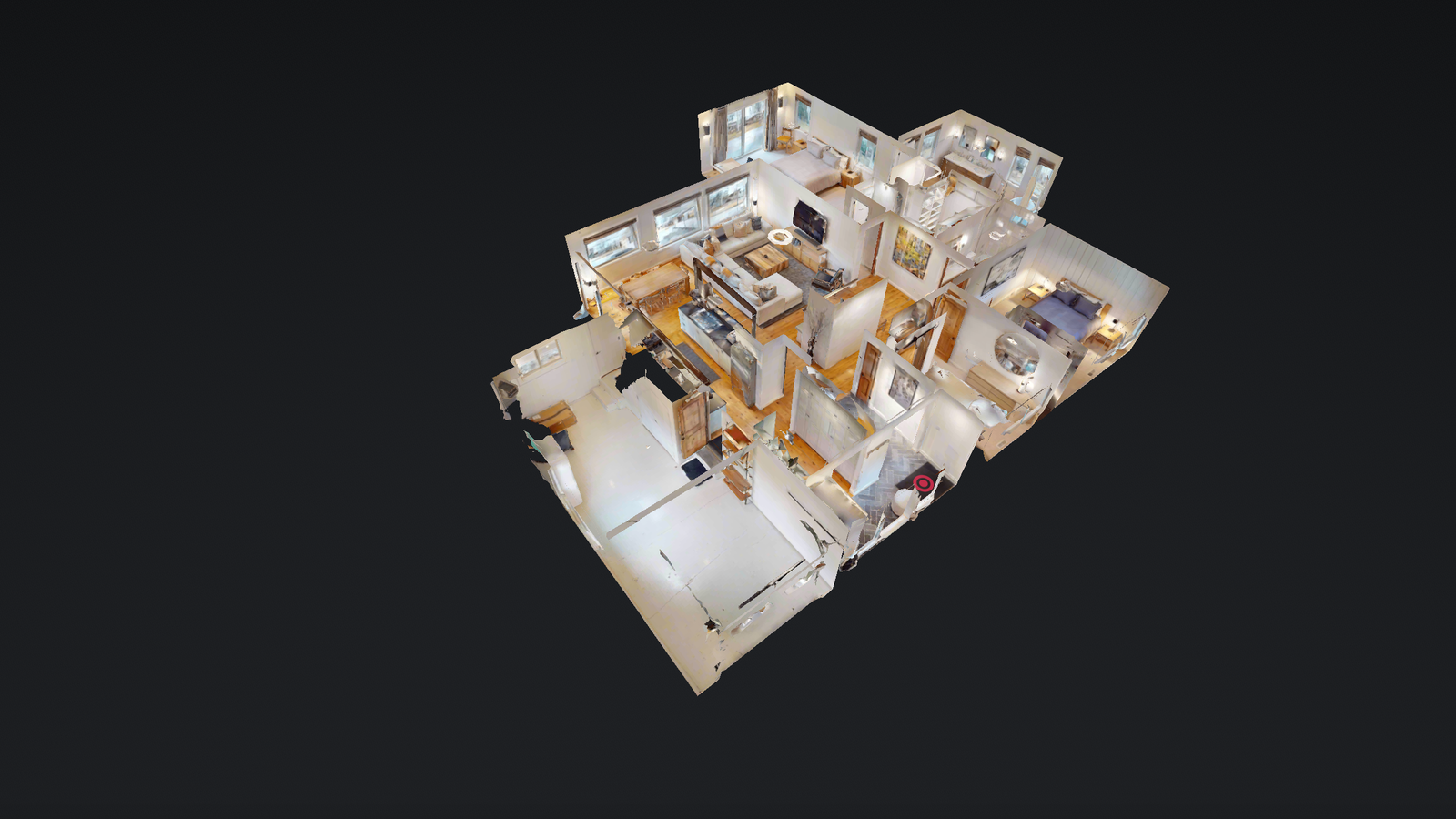
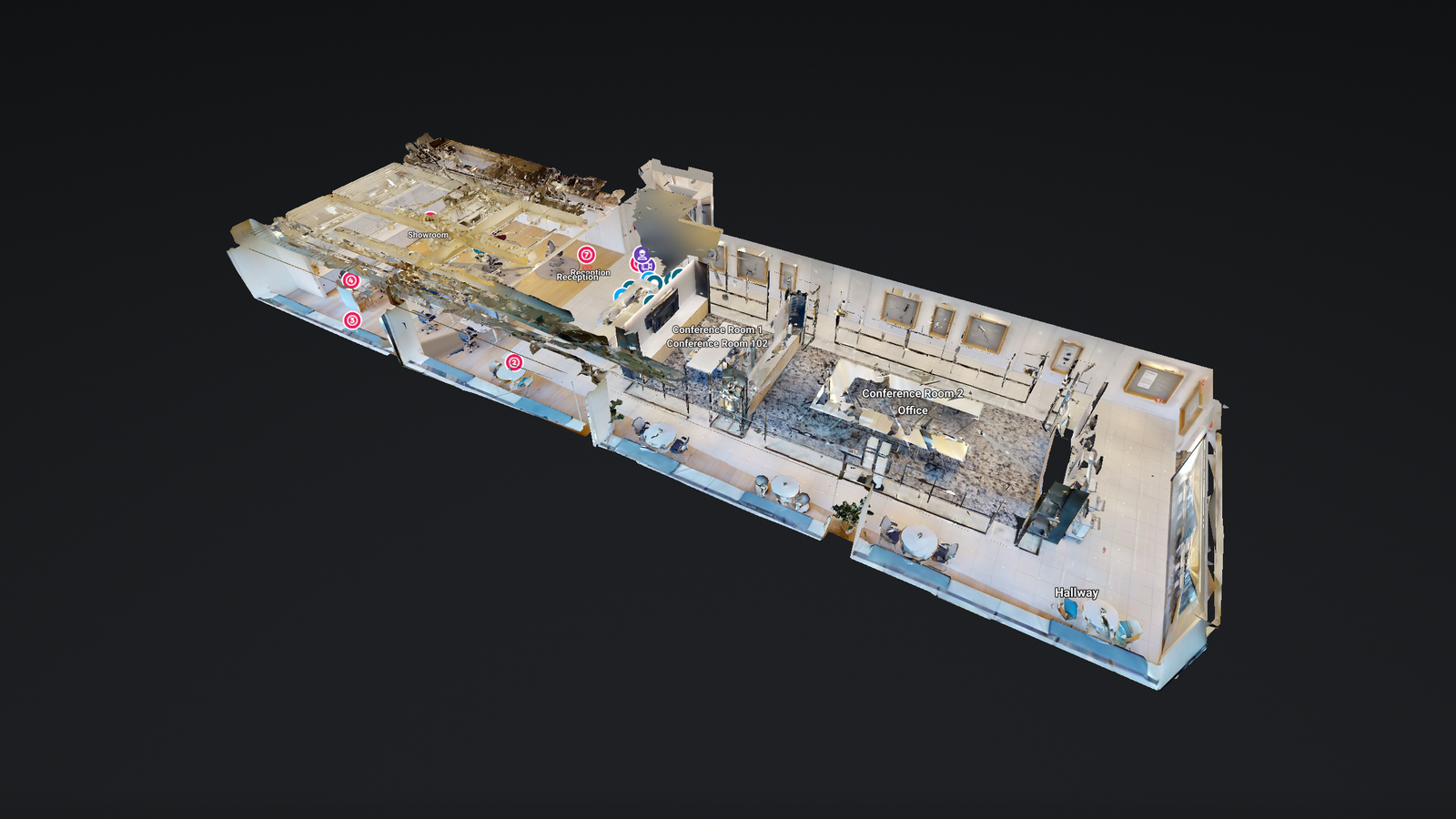
Dollhouse / Full Space View

A complete spatial overview that helps clients understand the full layout, scale, room relationships and movement across the space.

This helps viewers understand the space as a whole, instead of only seeing one room or angle at a time.

  • Full Space Overview
  • Layout Understanding
  • Room Relationships
  • Remote Presentation
Dollhouse / Full Space View
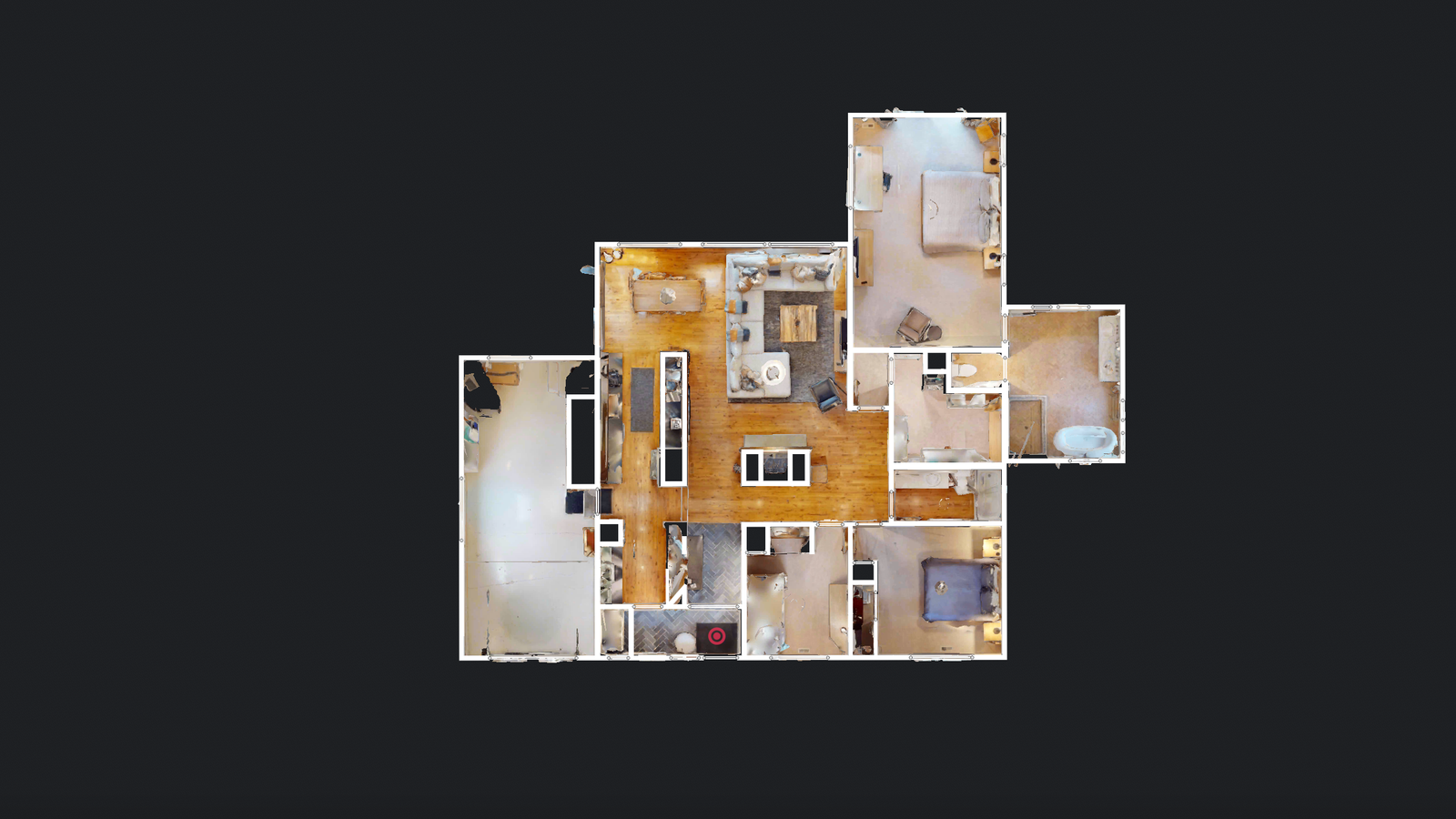
Floor Plan / Layout View

Floor Plan / Layout View

A clear top-down layout view that helps visitors understand room flow, structure and overall arrangement before entering the walkthrough.

  • Top-Down Layout
  • Room Flow
  • Space Planning
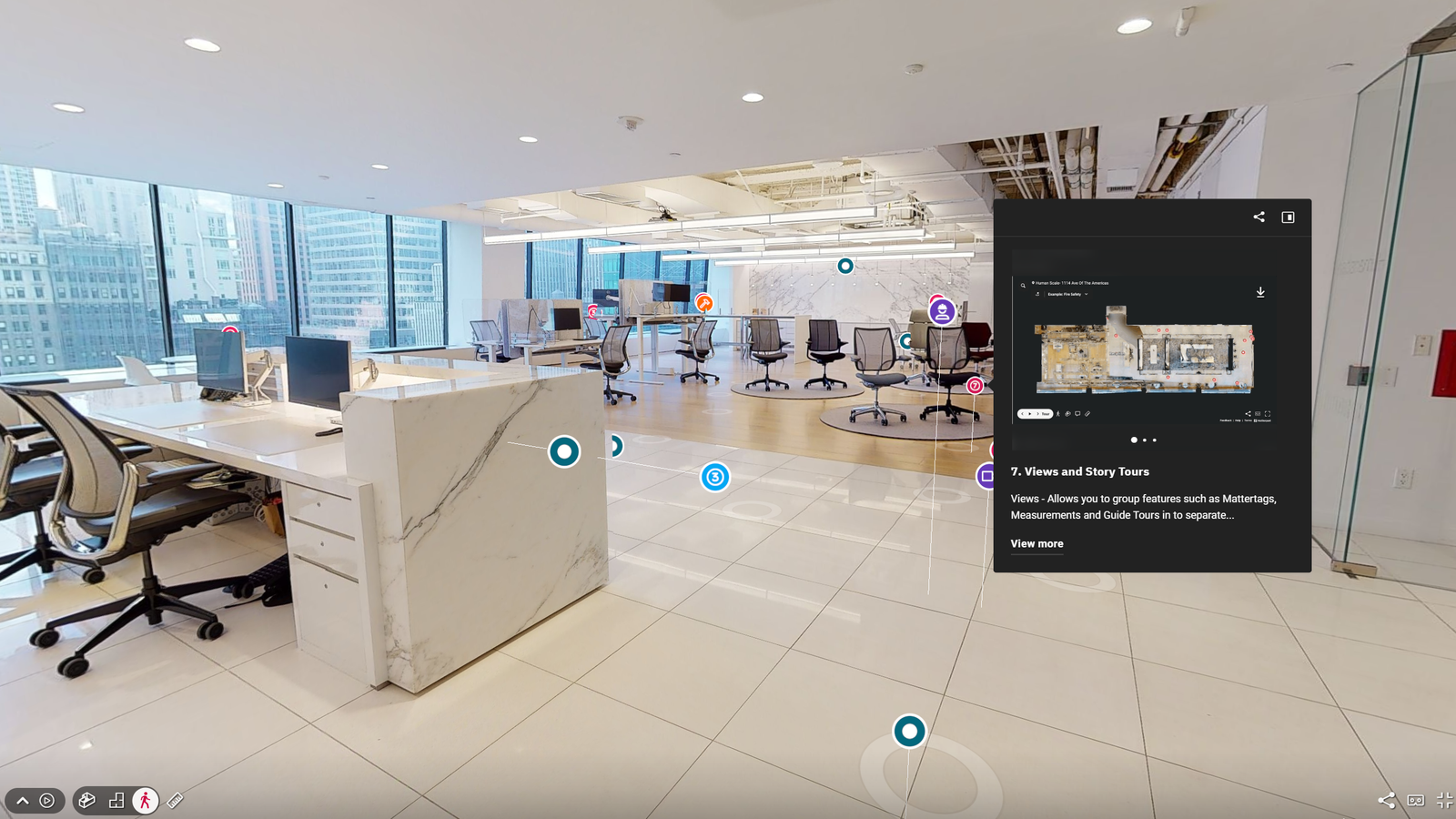
Info tags and hotspots inside a HALO360 tour
Info Tags & Hotspots

Info Tags & Hotspots

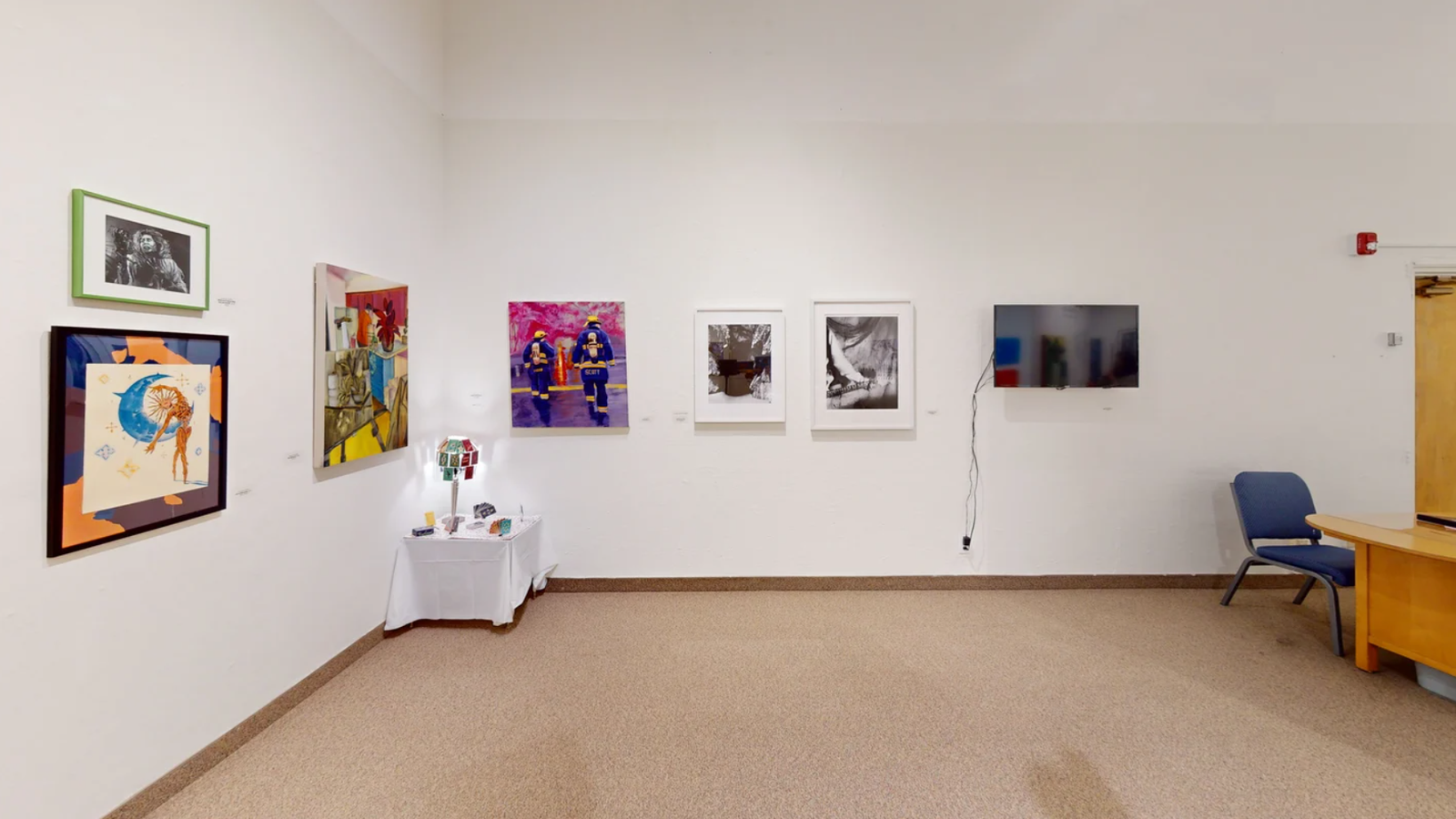
Useful labels can be placed inside the experience to explain artworks, products, rooms, features, navigation points or key information.

This turns the tour into an interactive information layer, not just a visual walkthrough.

  • Product Details
  • Artwork Notes
  • Navigation Points
  • Area Labels
Supporting Deliverable

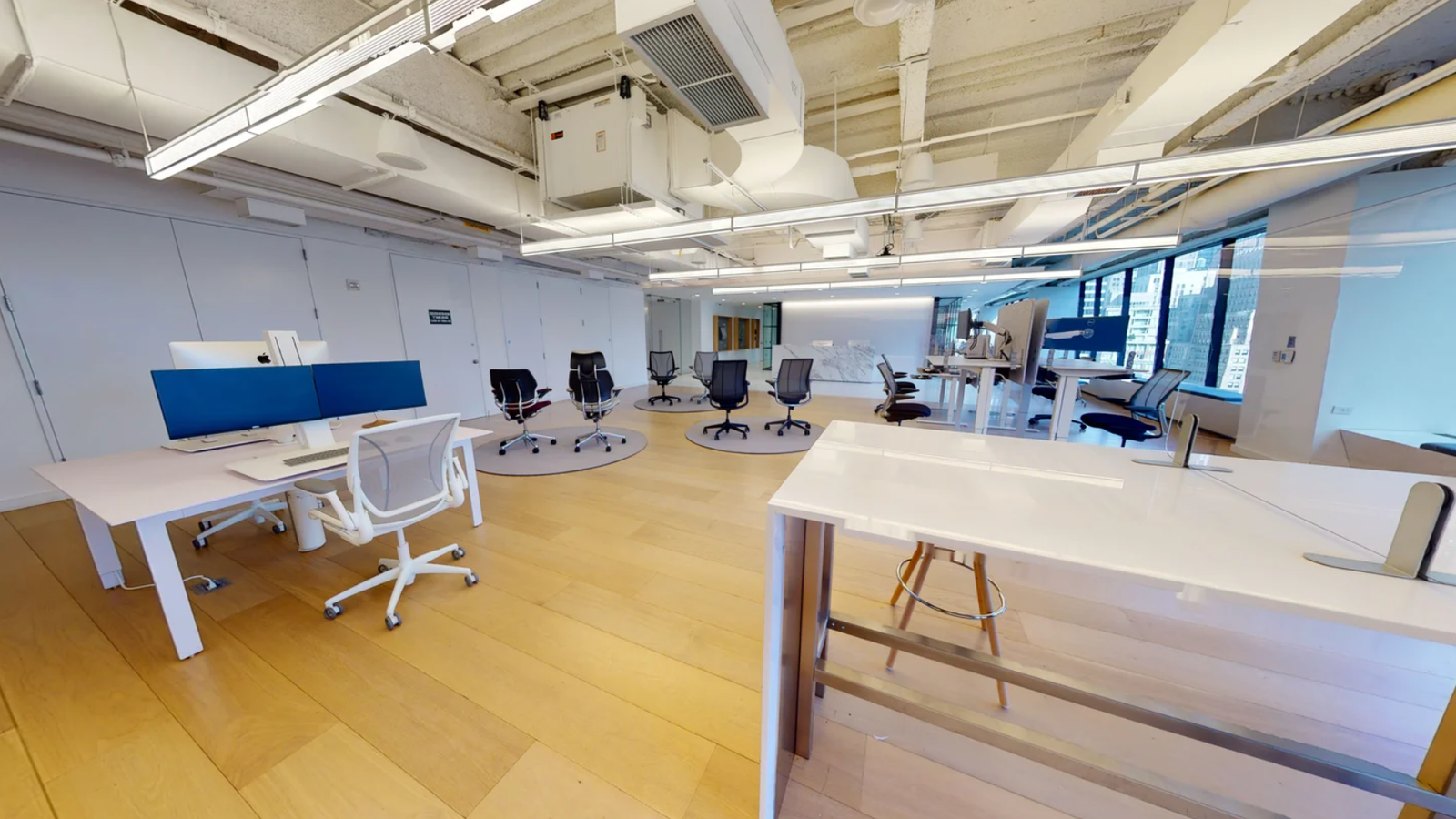
Marketing Stills

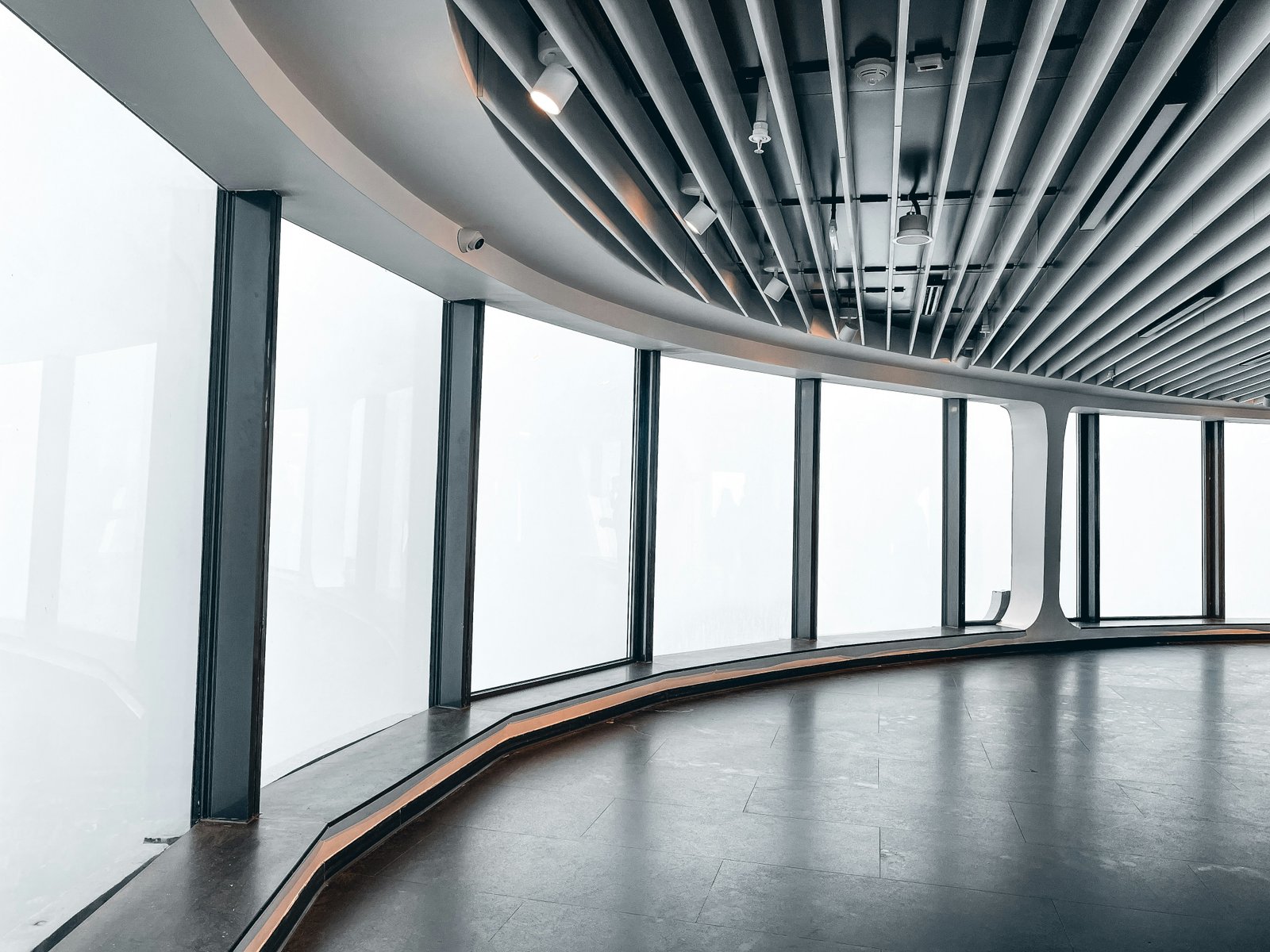
Selected still images are delivered for websites, social media, brochures, listings and presentation material.

These are supporting assets taken from the captured space, useful for quick marketing use without a separate photoshoot.

  • Website Use
  • Social Media
  • Brochure Assets
  • Presentation Images
Marketing Stills

Included with HALO360

01

360° Walkthrough

Interactive panoramic movement through selected viewpoints for remote viewing and client previews.

02

Dollhouse / Full Space View

A full-space view that shows layout, scale and relationship between rooms, zones or display areas.

03

Floor Plan / Layout View

A top-down layout view that helps communicate room sequence, circulation and spatial arrangement.

04

Info Tags & Hotspots

Interactive labels for artwork details, product information, room notes, directions or key features.

05

Hosted Shareable Link

A simple online link that can be sent to clients, shared on WhatsApp, added to proposals or used in presentations.

06

Website Embed / QR Access

The experience can be embedded on a website, linked from social media or accessed through QR codes on brochures and printed material.

USE CASES

Built for spaces that need to be understood before a visit.

For Marketing

Use HALO360 on websites, social media, QR codes and campaigns to let visitors explore the space online.

For Client Presentations

Share a realistic view of the space with clients, stakeholders or decision-makers without needing everyone on-site.

For Space Documentation

Keep a clear digital record of the space layout, displays, rooms or completed environment for future reference.

Best for spaces that need to be explored remotely.

Galleries Showrooms Restaurants & Cafés Offices Clinics & Gyms Real Estate Event Venues Hospitality Spaces

From space capture to shareable experience.

01
360° / Spatial Capture

Capture

Scan and capture the physical space using 360° and spatial capture methods.

02
Walkthrough & Views

Build

Create the interactive experience with walkthrough points, spatial views and navigation.

03
Labels & Hotspots

Brand

Add project details, labels, hotspots and presentation-ready structure.

04
Link / Embed / QR

Share

Deliver a hosted link, embed option or QR access for clients, websites and marketing use.